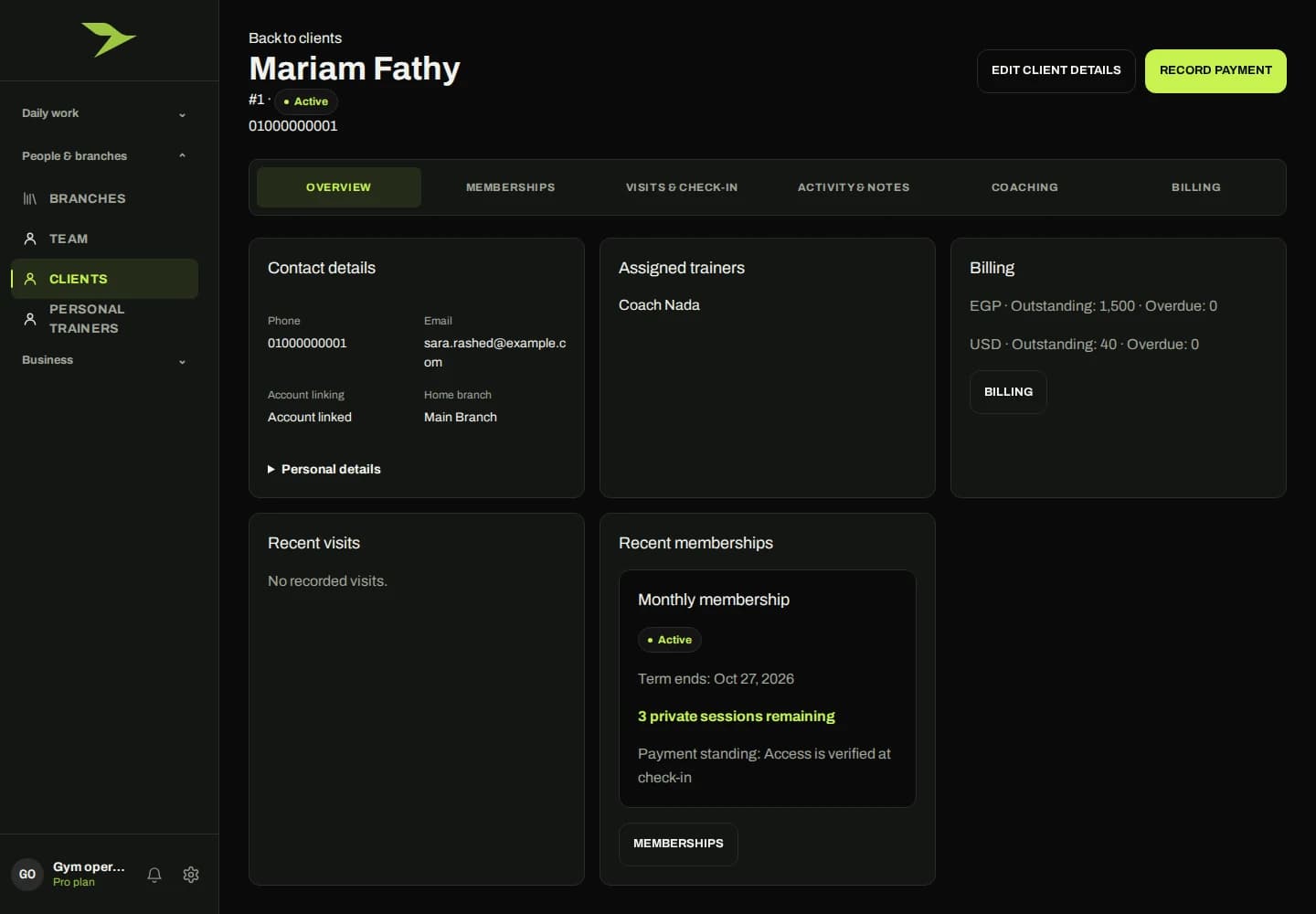
Start with the person. Follow the connected record.
A member’s details should be easy to find when the front desk, trainer or manager needs them. The profile brings contact information, trainer assignments and recent activity into the same context, with links to membership and coaching information. Your team can move to the next task without treating each record as a separate relationship.
Purchased gym packages stay distinct from the software package your gym buys from APEX. Renewals, freezes and upgrades follow the gym’s applicable policies. Financial information and actions remain permission-dependent, so a profile is not a shortcut around finance access.
What to explore in your demo
- Look up a member and review their profile.
- Follow a purchased package and its history.
- Check what reception, trainers and managers can each see.