Understand the amount and the history behind it.
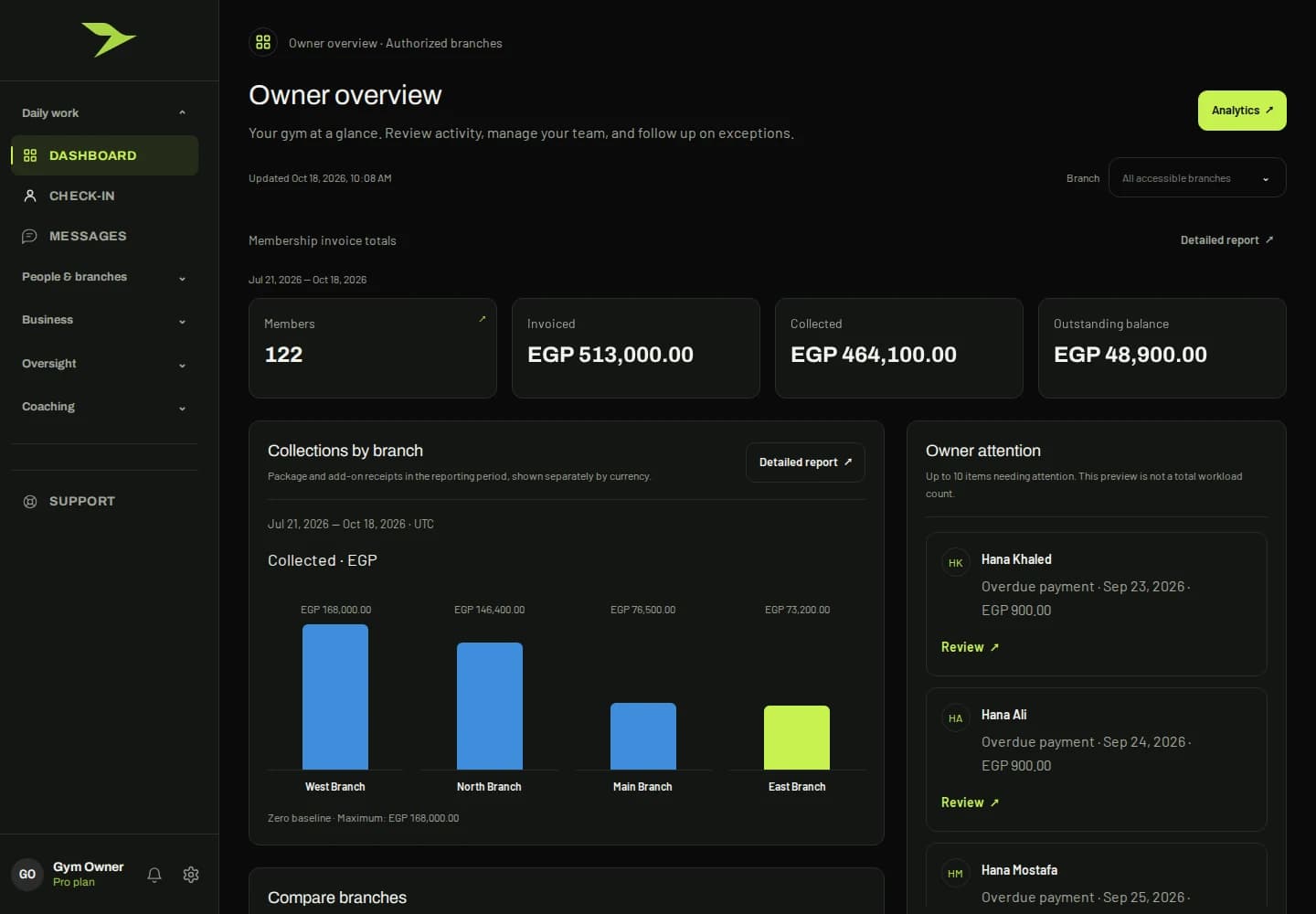
Membership sales, invoices and collected payments describe different parts of the gym’s financial picture. APEX presents these records through authorized finance views, so a team member can follow the relevant information and understand what needs attention. The owner overview connects collections with operational context.
Financial access follows permissions. Reception does not automatically receive access to every billing record, and the landing page does not change those boundaries. In a demonstration, follow a specific member’s purchased package into the relevant financial views and review how your staff responsibilities should be configured.
What to explore in your demo
- Review invoices, receipts and outstanding balances.
- Follow the connection to the purchased gym package.
- Confirm which team roles should have financial access.