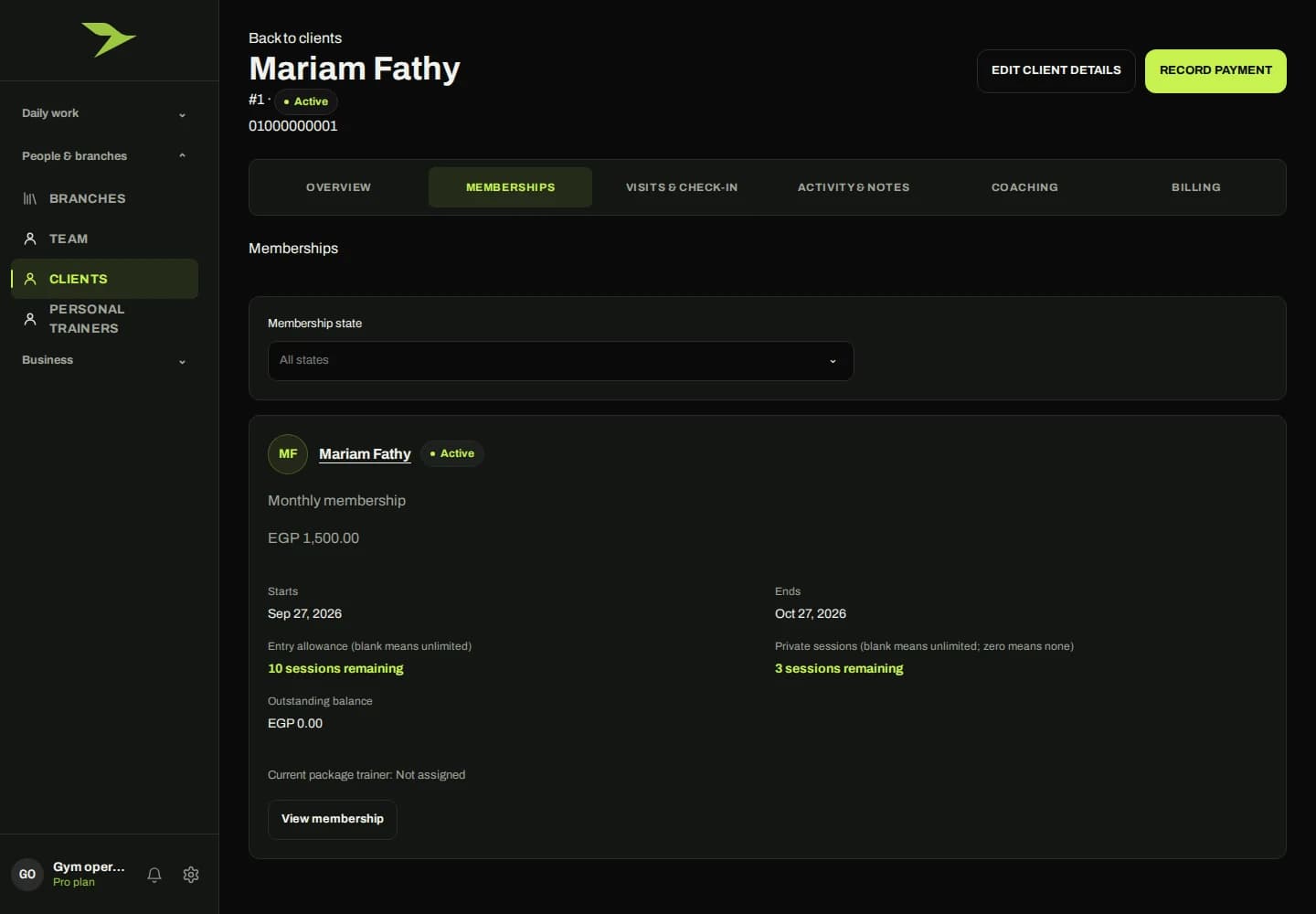
From assigned responsibility to reviewed delivery.
PT delivery starts with an eligible assigned trainer. When that trainer marks a session as completed, one session unit is consumed. The member can then provide feedback, and Customer Service reviews the response-backed delivery without taking another unit from the purchased balance. This preserves the distinction between delivering a session and reviewing it.
The software packages describe limits on PTs as personal trainers. Those staff limits do not define the number of sessions a gym member has purchased. During your demo, review both staff capacity and the member’s package balance. The page does not promise a PT booking calendar or scheduling workflow.
What to explore in your demo
- Review a purchased package and its trainer assignment.
- Follow completion marking, one-unit consumption and member feedback.
- See Customer Service review without a second deduction.